TWO SCREENS
What you do in the app
Add a coffee and show its QR. Leave the rest to the app.
-
№ 01
Add the coffee
Photograph the bag or grab a screenshot of the shop page, and the name, roastery, origin, and process arrive as a draft. Finished bags move to spent and drop off the list.
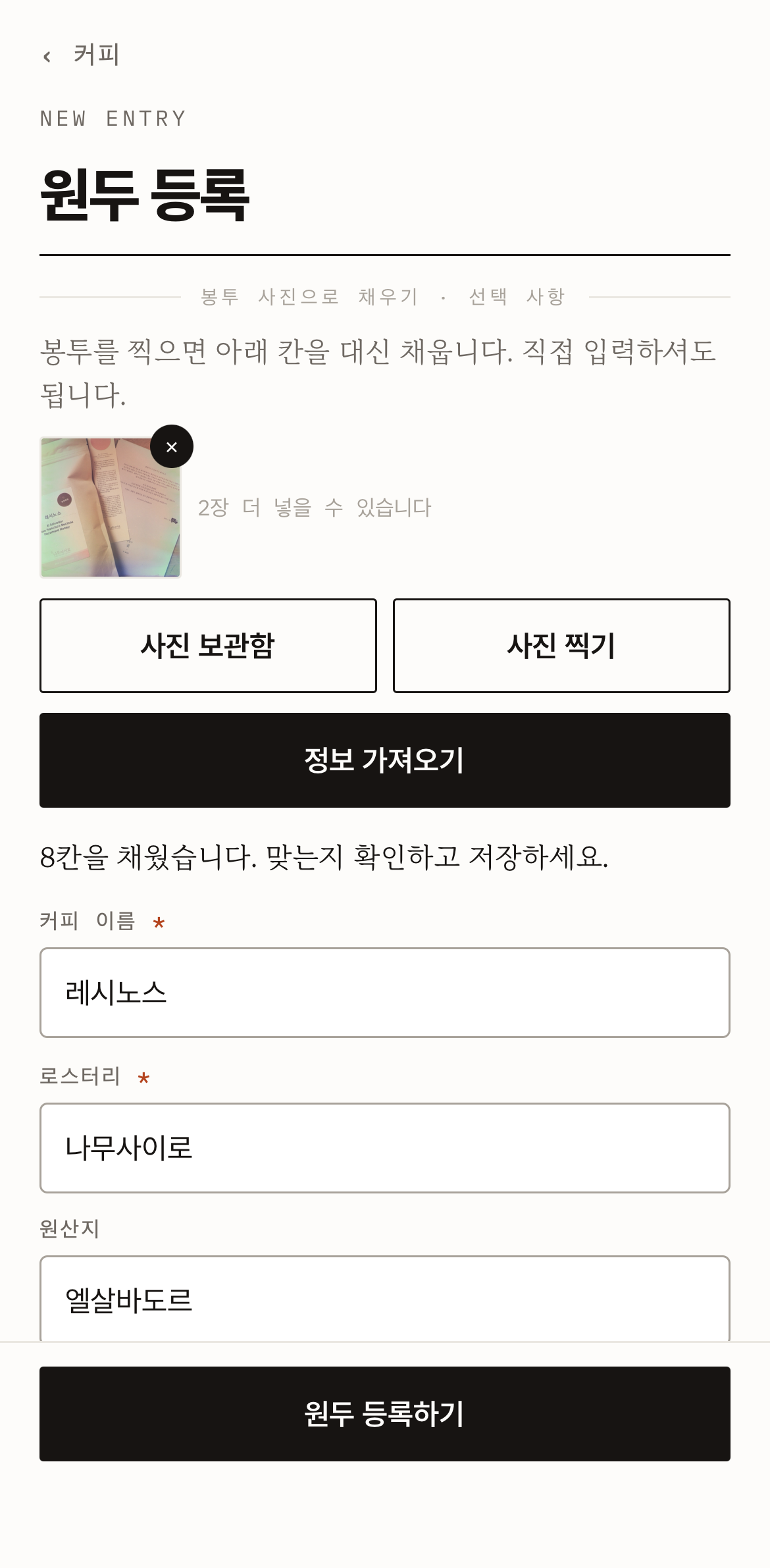
PLATE 01 Add coffee — filled from a photo -
№ 02
Open a session, show the QR
Pick a coffee and a session opens with its QR code. Leave the QR on the table and the same screen refreshes the count and the average every 15 seconds — you watch it fill from there. Links expire after seven days.
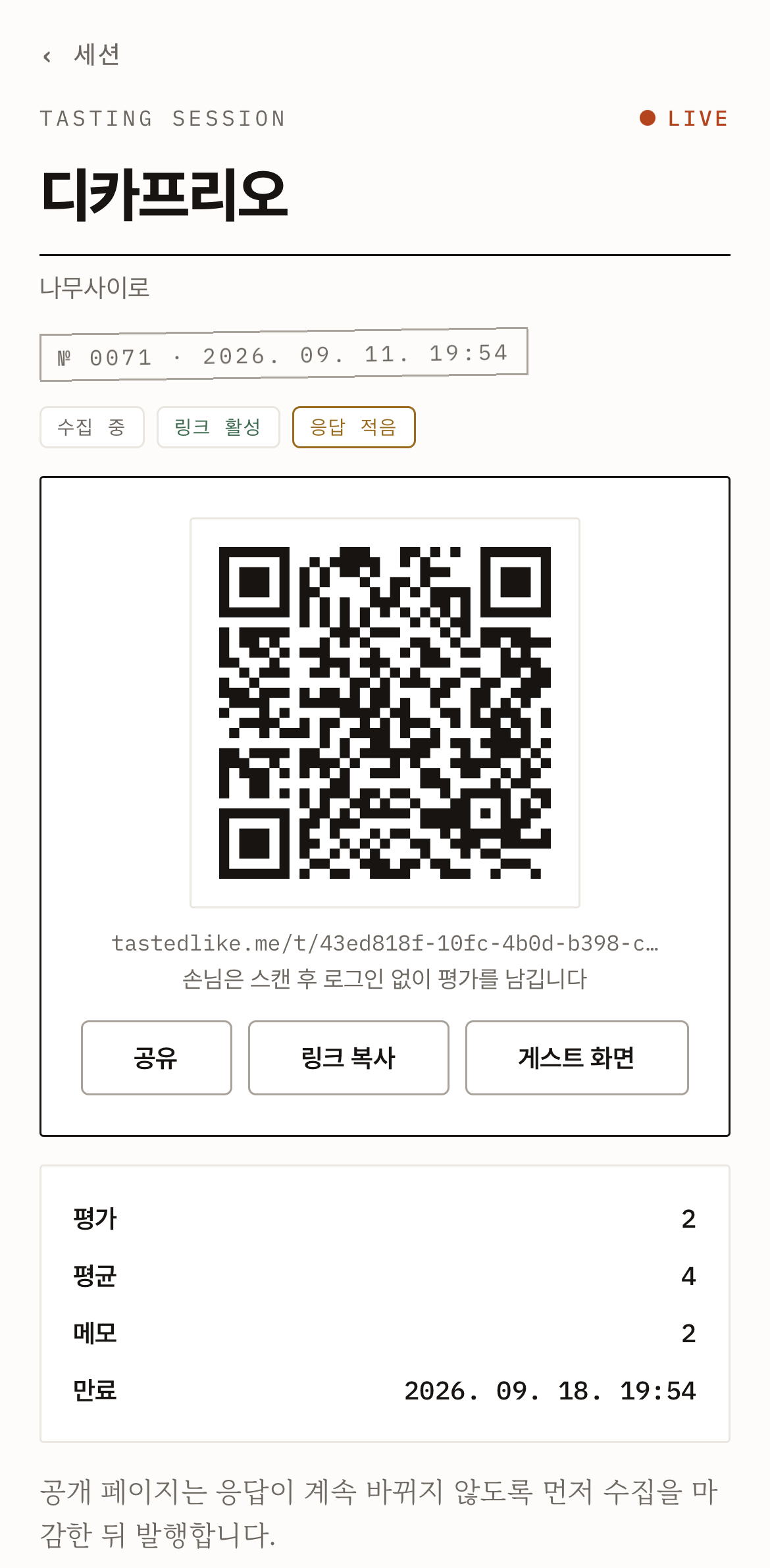
PLATE 02 Session detail — right after the QR goes up -
№ 03
Close it, and the card remains
Closing the session builds the summary card. The card lives on one public web page, and the app just opens the link. You can choose which memos to leave out before publishing, and take it down or republish afterwards.
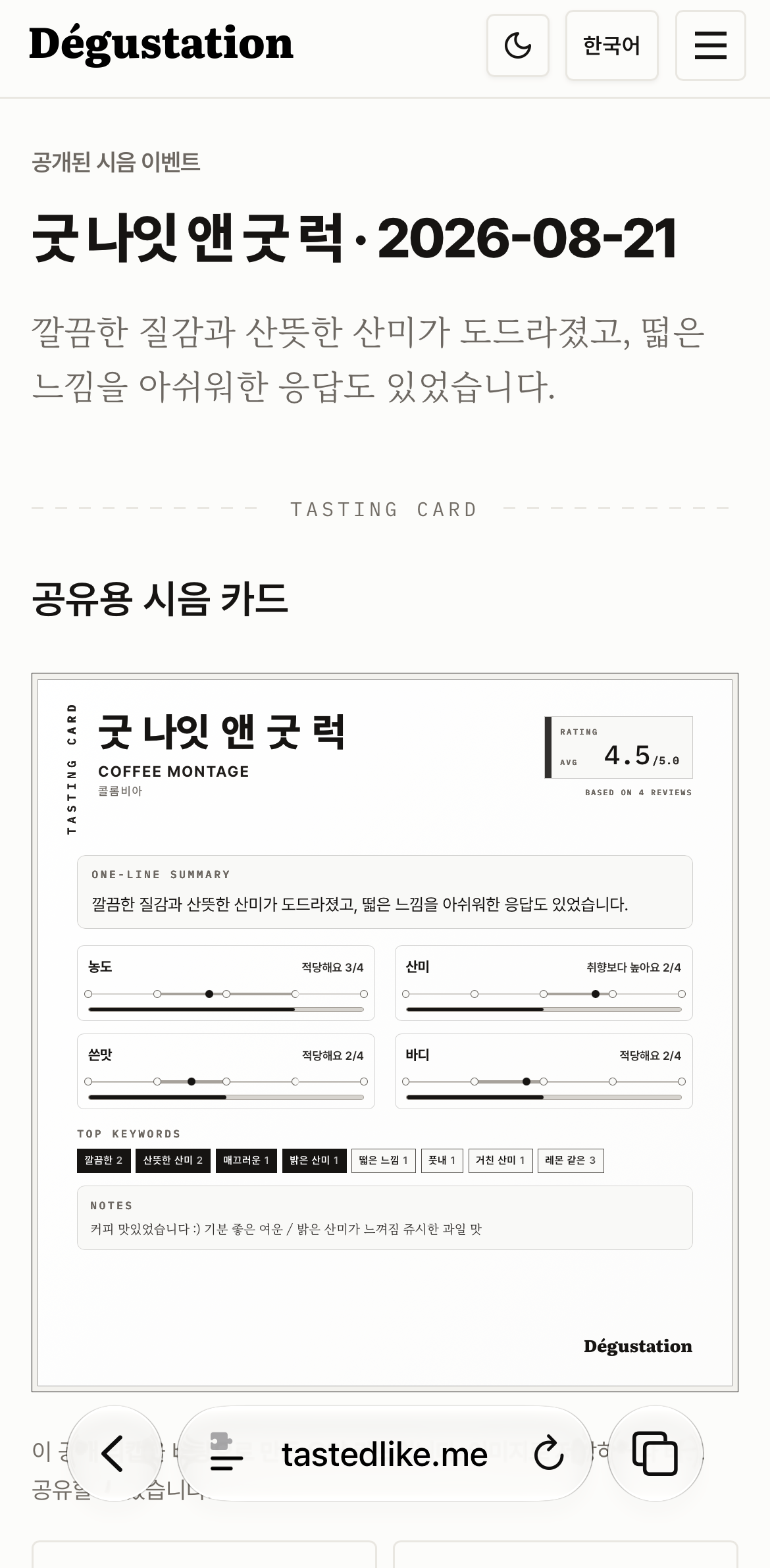
PLATE 03 Public page — the card that remains (web)
WHO IT IS FOR
Who uses this
- Someone who brews a cup for colleagues at lunch
- Someone who switches beans and shares them at a meetup
- Teams collecting reactions at a cupping or a pop-up
It is not a survey tool
The questions are fixed: strength, acidity, bitterness, and body, then the words, a star rating, and a memo. It is not a research tool where you write your own questions or download responses as a table. It is a tasting sheet that whoever drank the coffee finishes in under a minute, so guests start from one QR code and you are left with one card.
IN PRINT
The app is out
Download it from the stores below.